



Subscribe to Our Updates
Join our community and be the first to receive exclusive insights
You are subscribed now!


.svg)

Products
Solutions
Resources


Elevate your business network with advanced wireless access points engineered for high-density environments, mission-critical reliability, and scalable performance. Powered by the latest WiFi 6, and WiFi 7 technologies, these access points deliver multi-gigabit speeds, sophisticated MU-MIMO and OFDMA, seamless roaming across large offices and campuses, centralized cloud management, enterprise-level security featuring WPA3-Enterprise and 802.1X authentication, PoE support, and high client capacity for hundreds of simultaneous connections.
Ideal for corporate offices, educational campuses, retail venues, healthcare facilities, and industrial deployments, they ensure complete coverage without dead zones, intelligent bandwidth optimization, and future-ready connectivity to support demanding applications such as video collaboration, IoT ecosystems, and data-intensive operations. Explore top-tier WiFi access point solutions designed for business excellence today.
Product
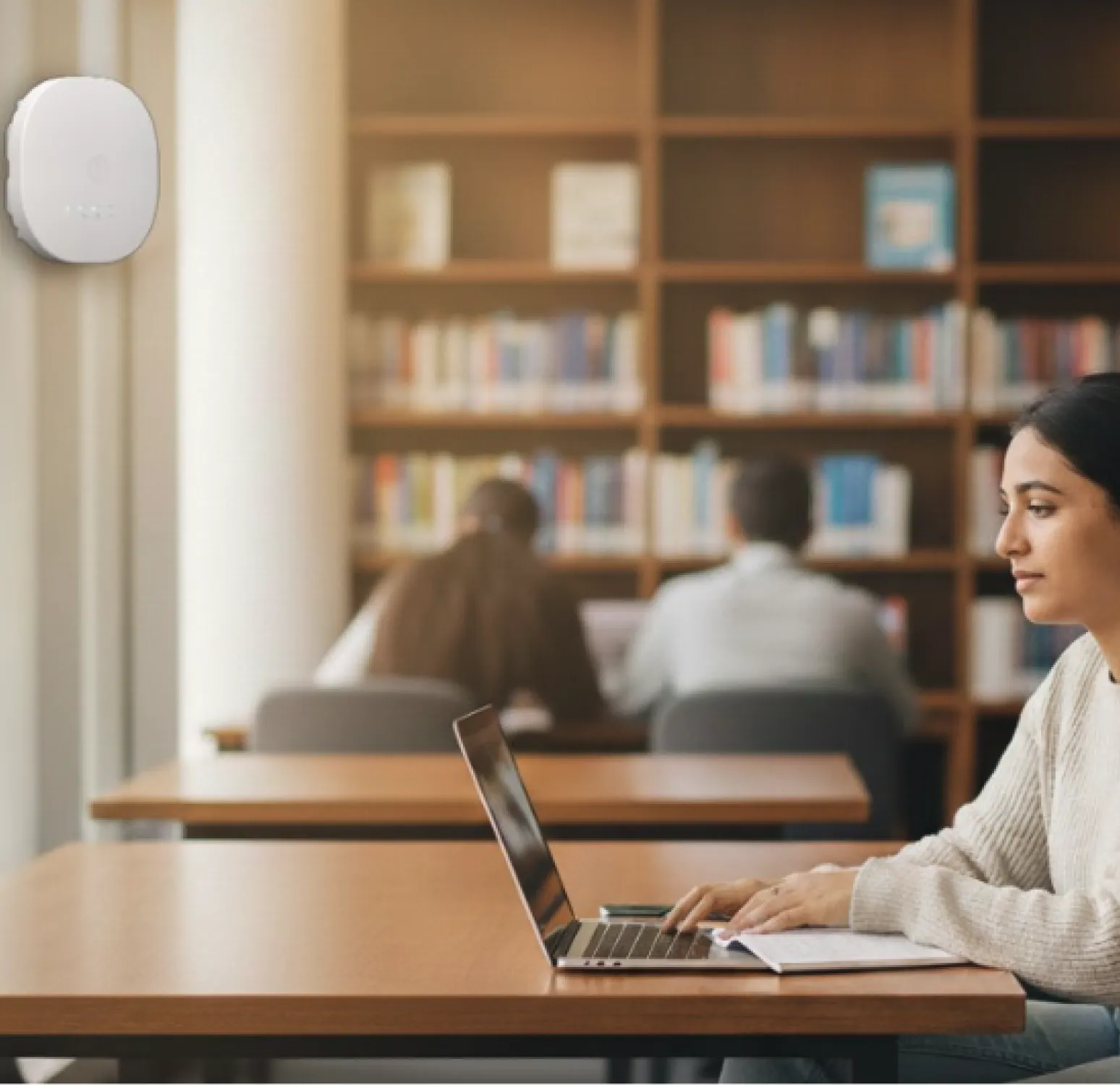
Our indoor wireless access points deliver reliable, high-speed WiFi connectivity tailored for offices, classrooms, indoor venues, and public hotspots. Featuring integrated antennas for optimized signal distribution, these cloud-managed access points provide seamless coverage, robust enterprise security, and efficient performance with low power consumption—ensuring uninterrupted connectivity in high-density environments.

Product
Built to thrive in demanding conditions, our outdoor wireless access points offer superior range, performance, and durability in any weather. With versatile mounting options for easy installation and flexible antenna configurations (external or integrated), these rugged access points deliver extensive coverage while minimizing power usage—ideal for campuses, warehouses, retail exteriors, and challenging outdoor deployments.
Software
Manage your access points and switches effortlessly through a centralized, AI-driven cloud management platform. Provision, configure, and monitor thousands of network devices from a single pane of glass. Benefit from advanced AI-based network assurance, including proactive issue detection, automated root cause analysis, and rapid remediation—empowering scalable, reliable enterprise WiFi operations with minimal effort.

Casestudy
The Lotus Temple in New Delhi enhanced its connectivity with advanced Wi-Fi 6 access points, delivering fast and secure internet for millions of visitors.
Casestudy
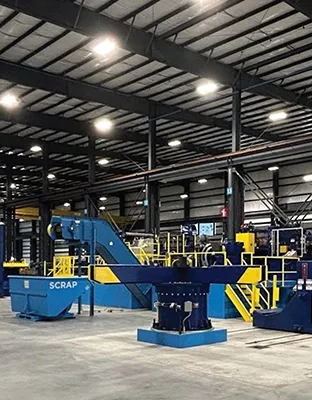
Thyssenkrupp Materials Services modernized its global network with HFCL’s Wi-Fi 6 and Open Networking solution, enabling robust, scalable connectivity across industrial environments.

Casestudy
The University of Delhi upgraded its campus network with high-performance Wi-Fi 6 access points to support fast, reliable connectivity for students, research, and immersive digital learning experiences.

Casestudy
SuperSport Park Cricket Stadium in Centurion, South Africa, deployed HFCL’s high-performance Wi-Fi 6 network to deliver seamless, high-speed connectivity for all 22,000 spectators.
Wi-Fi 7 (IEEE 802.11be) heralds a new era of seamless, advanced wireless connections, keeping you at technology's forefront with extremely high throughput and broader coverage.
Everything you need to know about deploying high-performance indoor Wi-Fi
An Access Point (AP) is a networking device that allows wireless devices to connect to a wired network. It acts as a communication hub and enables multiple devices to access the network simultaneously.
In simpler terms, an Access Point acts as a wireless gateway between a local area network (LAN) and devices that want to connect to the network wirelessly. It serves as a bridge, transmitting data between wired and wireless devices.
While both an Access Point and a router are network devices, they serve different purposes:
• Function: An Access Point primarily acts as a wireless gateway, allowing devices to connect to a wired network. A router, on the other hand, is responsible for routing data between different networks.
• Connectivity: An Access Point needs to be connected to a router or modem to establish a network connection. A router, however, can be directly connected to the internet.
• Network Management: An Access Point focuses on providing wireless connectivity and does not handle tasks like IP address assignment or network security. Routers, on the other hand, handle these tasks along with routing data.
It is common to find devices that combine the functionalities of a router and an Access Point, providing both wired and wireless connectivity in a single device.
There are different types of Access Points available, each designed for specific use cases:
• Standalone Access Points: These are individual devices that require manual configuration and management. They are commonly used in small-scale deployments.
• Controller-based Access Points: These Access Points are managed by a central controller, which provides centralized configuration and monitoring. They are suitable for larger networks with multiple Access Points.
• Cloud-managed Access Points: These Access Points are managed through a cloud-based platform, allowing remote configuration and monitoring. They offer scalability and ease of management.
• Outdoor Access Points: These Access Points are designed to withstand outdoor conditions and provide wireless coverage in outdoor areas, such as parks or campuses.
• Indoor Access Points: These Access Points are designed for indoor use and provide wireless coverage within buildings or enclosed spaces.
It is important to choose the right type of Access Point based on your specific requirements and network environment.
Access Points find various applications in different settings:
• Business Networks: Access Points are used in offices or businesses to create wireless networks for employees and guests. They enable seamless connectivity and support multiple devices.
• Public Wi-Fi: Access Points are deployed in public areas like cafes, airports, or hotels to provide internet access to customers or visitors.
• Campus Networks: Access Points are used in educational institutions to create wireless networks across campuses, allowing students and staff to access online resources.
• Industrial Networks: Access Points are utilized in industrial environments to enable wireless connectivity for IoT devices and facilitate machine-to-machine communication.
These are just a few examples, and the applications of Access Points can vary depending on the specific needs of the network.
Yes. HFCL IO indoor Access Points support 802.11r for fast roaming, along with other protocols (802.11k/v) that facilitate quick and seamless handovers between APs with minimal disruption.